 h3 flex
How to Write Pika H3 Flex Prompts for Motion and Sound
A practical Pika H3 Flex prompt guide with original examples for subjects, camera movement, lighting, audio and controlled iteration.
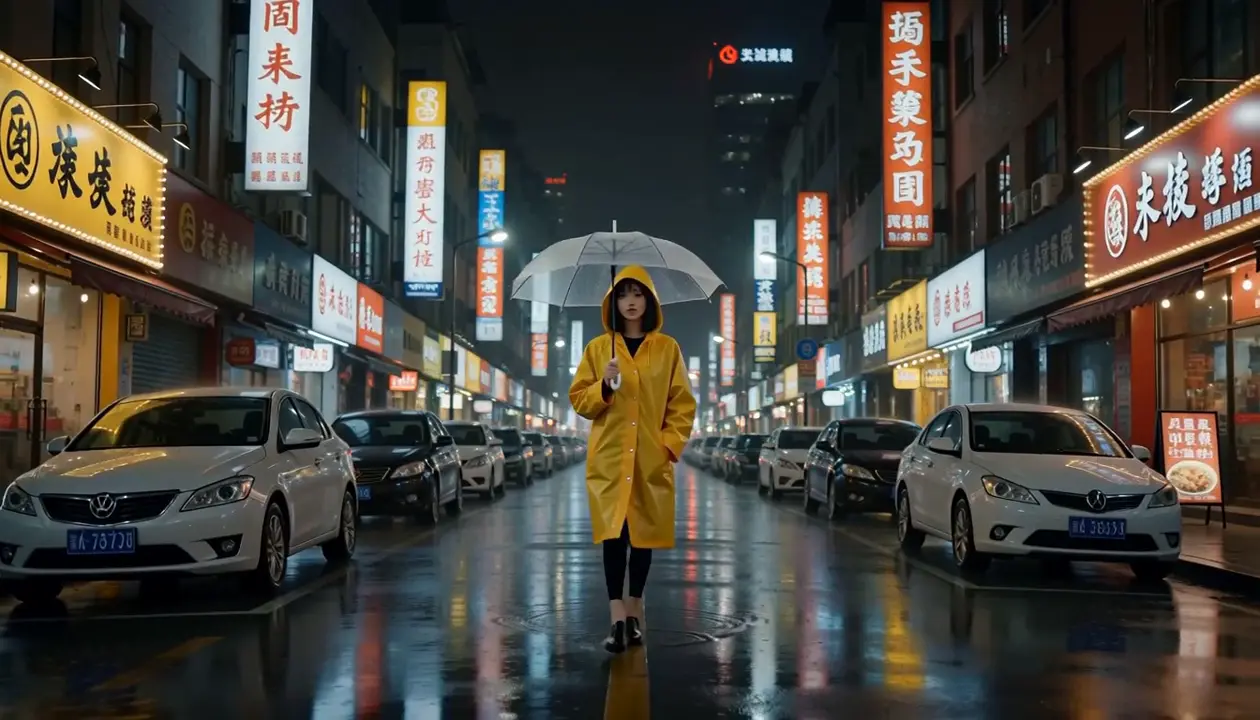
A useful video prompt describes change over time. It gives the scene a subject, an action and a visual point of view, then tells the soundtrack what role to play. The examples in this guide are original prompt starters, not recovered prompts from the showcased model videos and not guarantees of a particular result.
Build a prompt in four parts
Subject and action
Name the main subject and one readable action. “A cyclist stops at a quiet crossing” is easier to judge than a sequence involving a journey, a conversation and a change of location. Ask what the viewer should notice first. Put that action early in the description.
Camera and framing
Choose whether the camera waits, follows or approaches. A fixed wide shot lets movement happen inside the composition; a slow push-in directs attention toward a detail. Avoid asking the camera to circle, zoom and cut repeatedly in the same brief shot unless that complexity is the point of the experiment.
Light and environment
Describe the light that supports the intended mood. Soft window light, a practical desk lamp or a cloudy street each establishes a different setting. A few relevant details tend to communicate more than a list of loosely related style adjectives.
Sound
Decide whether the scene needs ambience, physical effects, music or a short line of speech. Keep that direction connected to what is visible. A quiet kitchen could use a kettle, a cup placed on a table and room tone; it does not automatically need a dramatic score.
Three original prompts to adapt
A quiet product moment
A ceramic cup sits beside an open window. Steam rises as the curtain moves in a light breeze. The camera slowly pushes toward the rim. Soft morning light. Sound: distant birds, light fabric movement and a cup settling on wood.
A small visual joke
A dog wearing a paper party hat stares at a cake on a low table. It slowly leans forward as the camera holds a medium shot. Warm living-room light. Sound: a ticking clock, a tiny sniff and a playful bass note.
A cinematic street scene
A cyclist stops beneath a street lamp after the rain. The camera tracks sideways as reflections move across the wet road. Cool evening light with a warm lamp above. Sound: a bicycle brake, dripping water and distant traffic.
Use one as a starting point in Text to Video. Change the subject or setting to make it your own. These examples do not assert a fixed seed or a reproducible output.
Iterate one choice at a time
Start with a short duration and native resolution. Review the subject's action before judging decorative detail. If the camera overwhelms the scene, simplify the camera instruction while keeping the rest. If the soundtrack feels misplaced, revise the sound direction without rewriting the entire visual prompt.
Keep notes about what you changed. A small series of controlled tests tells you more than several unrelated takes. Each submitted generation can consume credits; check the studio's displayed cost before testing again.
When to use an image instead
If the composition is already defined by a photograph, switch to Image to Video. Let the image establish appearance and use the prompt to explain motion. The image animation guide covers first and last frames.
For the model's documented text workflow, see Pika's Text to Video documentation. H3 Flex is an independent service and currently offers 5–15 second durations.